


Settings menu
View and change settings for your device from the Settings menu.
-
Swipe up from the bottom of the screen to the top, and then find and tap the following.
[Settings]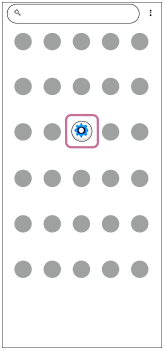
-
Select the desired menu.If you are not sure which menu to select, you can search by entering a keyword into the search field at the top of the screen.
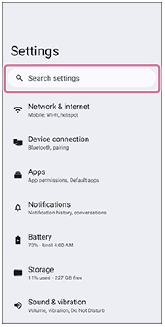
To open the Settings menu from the Quick settings panel
- Swipe down twice from the top of the screen.
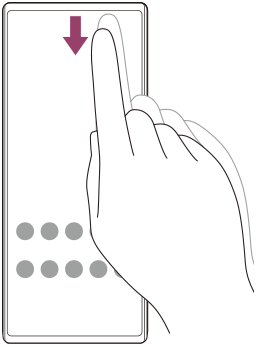
-
Tap the icon.
 (Settings)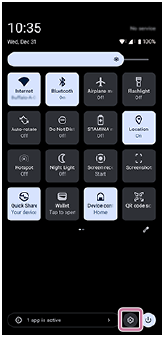
Hint
-
When the 3 buttons for Home, Back, and Overview are not displayed at the bottom of the screen, find and tap as follows.
[Settings] > [System] > [Gestures] > [Navigation mode] > [3-button navigation]
-
To view information about your device, find and tap as follows.
[Settings] > [About phone]
-
If you select the wrong language and cannot read the menu text, find and tap as follows.
 (Settings) >
  (System) >
  (Languages)
Then, select the first entry in the menu that opens. You can now select the language you want.
TP1002221550