


Automatic Connection to a Camera
If automatic connection to a camera is enabled, when this app is launched or when the connection to a camera is lost, the app will automatically try to connect to that camera.
You can configure automatic connection to a camera when connecting to the camera, or by tapping the  (Menu) button on the right of restart the connection history in [Preset connection history] >
  (Reconnect camera automatically).
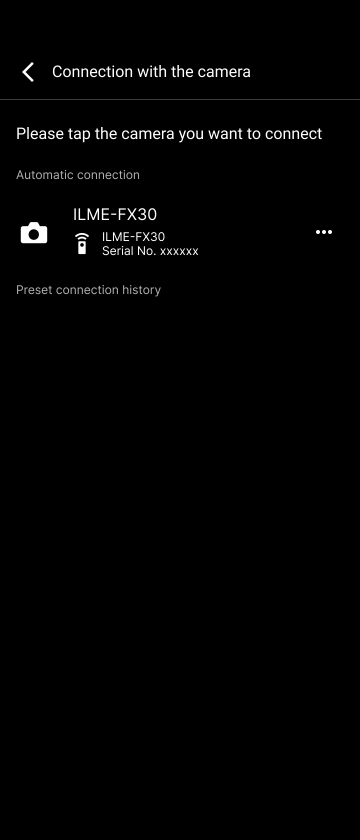
Information about cameras with automatic connection enabled is displayed in [Automatic connection] on the [Connection with the camera] screen.
Note
- If automatic connection is enabled, the automatic connection screen will appear when connecting, and the camera will continue to attempt connection until automatic connection is completed or you tap [Cancel] to cancel the connection.
TP1002101596
