


Uploading (C3 Portal, Ci Media Cloud, or PWA-RXS Network RX Station connections)
Tap [Upload] on the [Settings] screen to display the [Upload] screen.
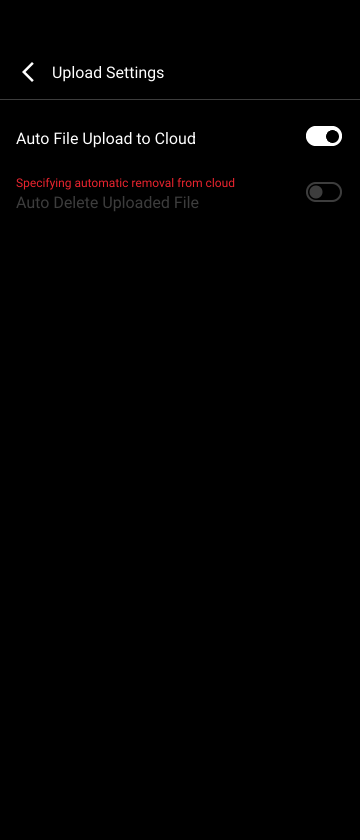
[Upload imported clips automatically]: When turned on, clips transferred from a camera are automatically uploaded to the cloud service.
[Media type to upload]: Sets the type of the clips to upload automatically.
- [High-Res + Proxy]: Upload clips of all types.
- [Proxy]: Upload proxy file clips only.
- [High-Res]: Upload high-resolution file clips only.
[Delete uploaded clips automatically]: When turned on, clips are automatically deleted from the smartphone after upload to the cloud service.
Note
- The [Delete uploaded clips automatically] setting may not be configurable using this app, depending on the settings on the cloud service side.
TP1001477046
