


Internal FTP Server
Tap [Internal FTP Server] on the [Settings] screen to display the [Internal FTP Server] screen.
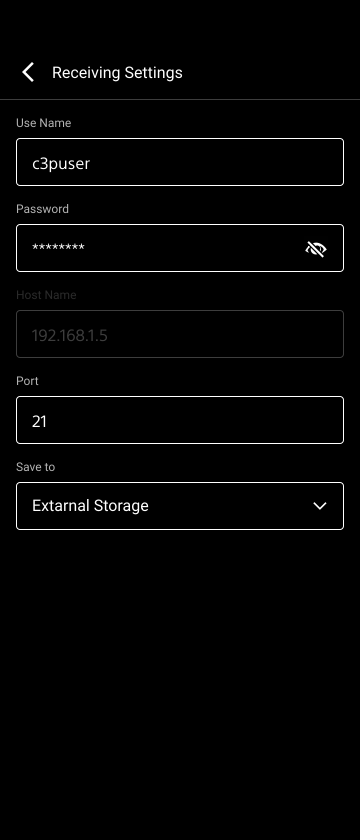
[User Name]: Displays the user name. Tap to change the setting.
Note
- If characters other than alphanumeric characters are used in the user name, connection with the camera may not be established. For details about the valid characters for the user name, refer to the manual for the camera to connect.
[Password]: Displays the password. Tap to change the setting.
[Host Name]: Displays the IP address.
[Port]: Displays the port number to use. Tap to change the setting.
TP1001477047
