


Initial Startup
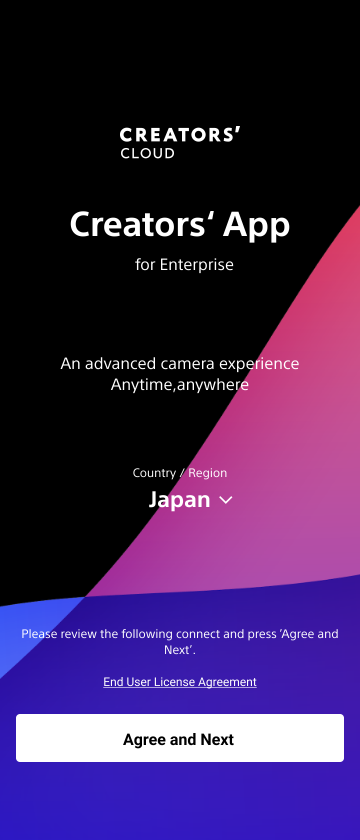
When you start this app for the first time, you must select the country/region of use and accept the terms of the usage agreement.
Select the country/region of use from the [Country/Region] pull-down list, check the usage agreement, and tap [Agree and Next].
Note
- The cloud services available for use will vary depending on the selected country/region. Always select the country or region where you will use this app. You can change the country or region of use on the [About the App] screen.
- If permission for any of the following items is requested when you first launch this app or while using it, allow permission in your smartphone settings. These permissions are required for the operation of this app.
- Location data
- Camera
- Photos and videos
- Nearby devices (Android only)
- Local network (iOS only)
- Notifications (Android only)
- Music and audio (Android only)
TP1002101659
