


Settings
Displaying the [Settings] screen
Tap  (Settings) in the launcher bar to display the [Settings] screen.
When not connected
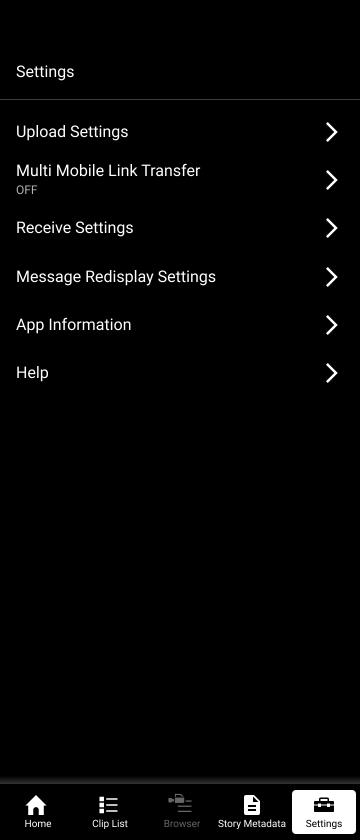
When connected to Ci Media Cloud or PWA-RXS Network RX Station
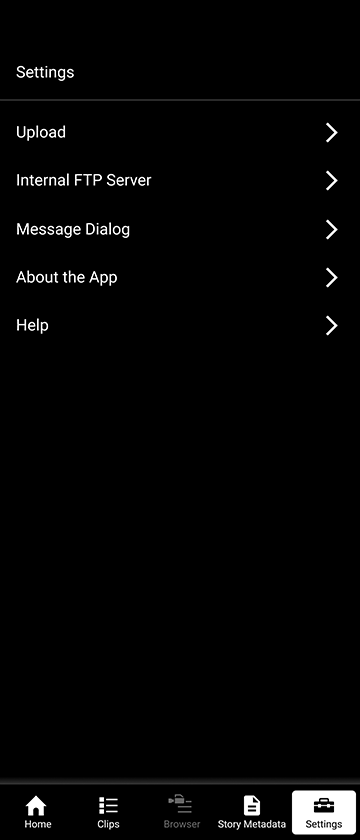
When connected to C3 Portal
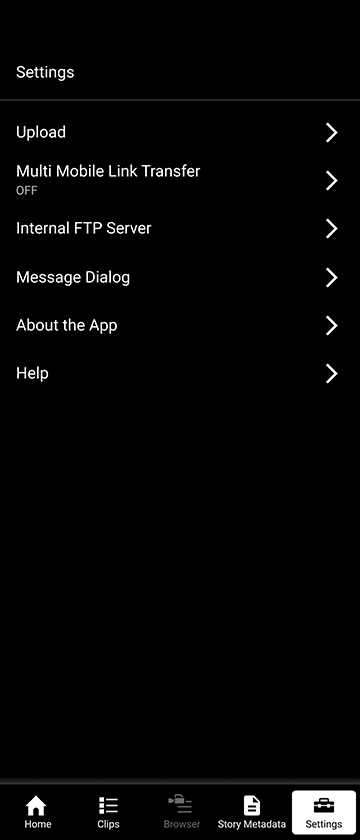
Tap each item to display the settings screen for each item. The displayed items vary depending on the connected cloud service.
Sharing Wi-Fi settings with a camera (iOS only)
When using an iOS device, you can share Wi-Fi settings with a camera that is MFi certified.
To share the Wi-Fi settings of an iOS device with a camera, enable [Settings] – [Camera Integration] – [Wi-Fi settings sharing].
TP1000543738
