Control menu screen
Swiping up from the bottom of the microphone status screen or receiver status screen displays the control menu screen.
The control menu screen allows you to change the settings of the receiver and devices connected to the receiver.
This screen can also be displayed from the [MAIN MENU] screen. Turn the control wheel/button to the left on the microphone status screen to display the [MAIN MENU] screen, and then press the control wheel/button.
The following four menus are collectively referred to as [MAIN MENU].
-
Receiver menu
-
Built-in REC menu on the microphone
-
Headphone menu
-
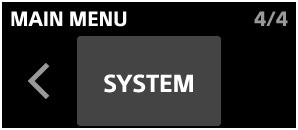
System menu
Receiver menu (RX)
Displays the receiver settings.

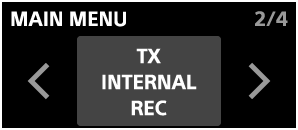
Built-in REC menu on the microphone (TX INTERNAL REC)
Displays the settings for the microphone connected to the receiver.
This menu is displayed when [MODE SELECT] in the system menu is set to [2TX] or [4TX].
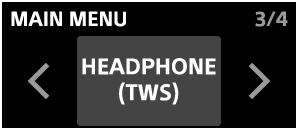
Headphone menu (HEADPHONE (TWS))
Displays the settings for the headphones connected to the receiver.
This menu is displayed when [MODE SELECT] in the system menu is set to [2TX] or [TWS MIC]. The available menus vary depending on the settings.
System menu (SYSTEM)
Displays the system settings for the receiver.