


Input microphone setting screen
Selecting a connected microphone on the microphone status screen displays the input microphone setting screen. You can perform the following operation and make the following settings for the selected microphone.
-
REC
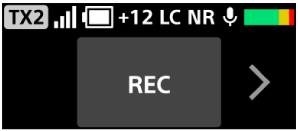
Select this item to start recording to the microphone's built-in memory. This item is displayed when a microphone connected to the receiver in [2TX] or [4TX] mode is selected.
-
LC
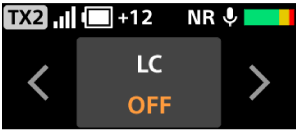
Select this item to turn the LC (Low Cut) filter for the microphone on or off. This item is displayed when a microphone connected to the receiver in [2TX] or [4TX] mode is selected.
When set to [ON], the LC filter reduces unwanted noise, such as wind noise, air conditioning noise, and vibration noise.
-
NR
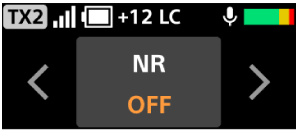
Select this item to turn NR (Noise Reduction) for the microphone on or off. This item is displayed when a microphone connected to the receiver in [2TX] or [4TX] mode is selected.
When set to [ON], NR effectively removes unpleasant noise using digital signal processing. Set it to [OFF] if the sound quality seems unnatural.
-
MUTE
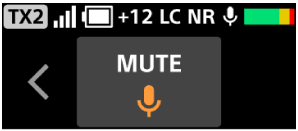
Select this item to set mute to on or off.
Note
-
When the sampling frequency and quantization bit depth on the camera are set to “24 bit/96 kHz,” NR is disabled even when it is set to on.