


TIMECODE ON/OFF
This section describes [TIMECODE ON/OFF] in the receiver menu.
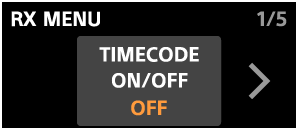
In [TIMECODE ON/OFF], you can enable the timecode function by setting it to [ON].
When [OUTPUT MODE] is set to [AUDIO OUT] for [TIMECODE SET.] in the receiver menu, the timecode signal is output to CH2 or CH4. Depending on the output destination setting, [TC] is displayed for [CH2] or [CH4] on the receiver status screen.
To output the timecode signal to CH4, connect the receiver to a camera that supports a digital audio interface and configure the camera for 4-channel audio recording. For details about the camera settings, refer to the operating instructions supplied with the camera.
When monitoring audio from CH1 and CH2 using headphones connected to the receiver during recording with the timecode function enabled, the timecode signal from CH2 is not sent to the headphones, and only the audio set for CH1 can be monitored.