


System status screen
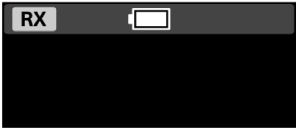
Placing the receiver in the charging case displays the system status screen, where you can check the receiver's remaining battery level.
 (Charging) is displayed during charging.
The system status screen is also displayed when charging the receiver by connecting a USB Type-C cable to the USB Type-C terminal on the receiver. The display turns off 1 minute after charging is complete.
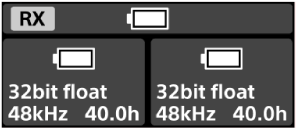
When both the receiver and microphone are placed in the charging case, the microphone's remaining battery level, recording format, and available recording time are also displayed.
TP1002542242