


Executing a process
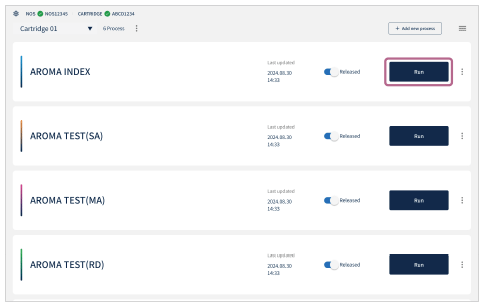
- Choose the process to execute and tap [Run].
- Tap [Run] on the start screen of the selected process.
If the User ID selection is displayed, select the User ID.
Set the User ID in advance. For details, see “User ID Settings.”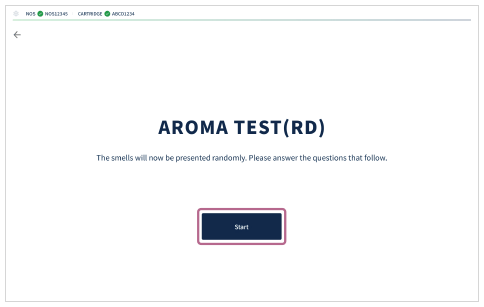
- Follow the on-screen instructions to execute the process.
Note
- If the process that you wish to execute is not displayed, the created process may be set to [Draft]. Check with the administrator who created the process.