Preparation Step 10: Linking the cartridge and the cartridge setting
Advance preparation
- Before linking the cartridge, check that the sub-cartridges with the injected odorants are correctly installed in the cartridge. For details, see “Preparation Step 6: Installing the sub-cartridges in the cartridge.”
- Tap [
 Link to the cartridge] on the [Cartridge Settings] screen.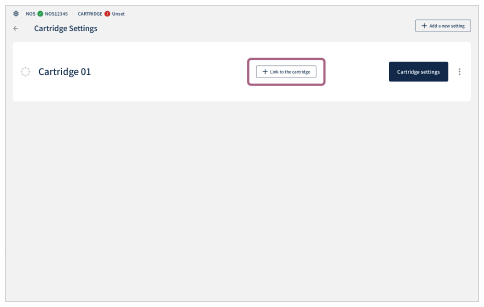
- Check that the linking is complete.
When the linking is complete, the cartridge ID is displayed in the status display area in the upper left part of the screen, and the indicator changes from
 (Cartridge unconnected) to
  (Cartridge connected).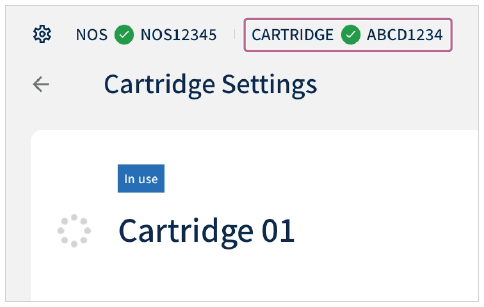
- Tap [
 ] (Return).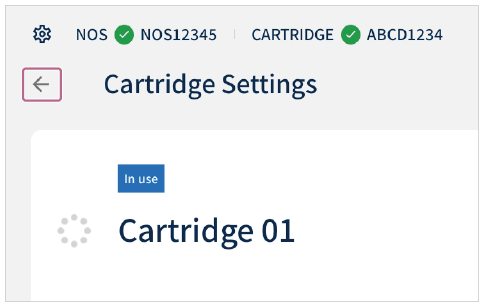
Linking with other cartridge settings
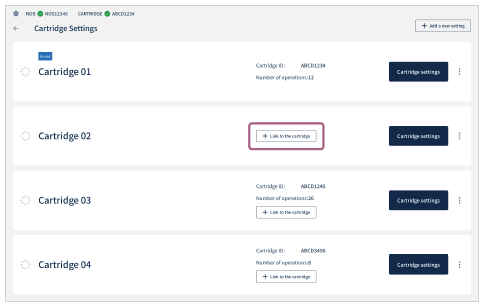
If multiple cartridge settings are registered, you can choose which cartridge setting to link to the cartridge installed in the unit. When [ Link to the cartridge] is tapped for the cartridge setting that you wish to relink on the [Cartridge Settings] screen, the cartridge setting link is changed, and [In use] is displayed for the cartridge setting that was relinked.