


Preparation Step 9: Connecting the unit and tablet
Advance preparation
- Charge the dedicated tablet to a sufficient level in advance. Check the tablet’s Operating Instructions for the charging method.
- Turn on the dedicated tablet and launch the “Scent Canvas” app.
- Tap
 (Connection) in the upper left part of the app screen.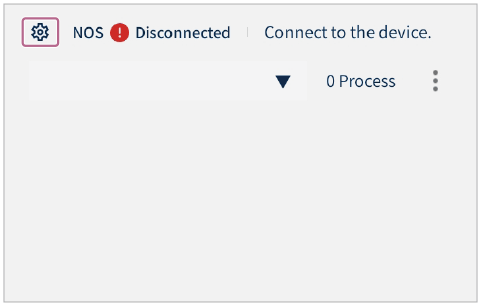
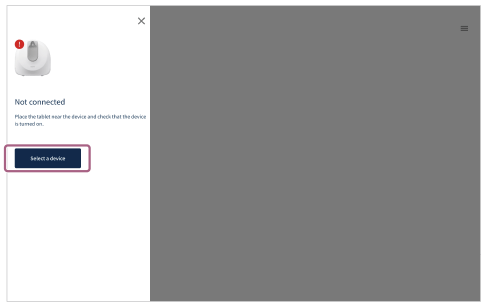
- Tap [Select a device].
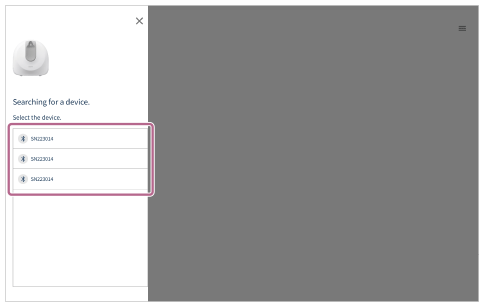
- Choose and tap the unit to connect from the displayed list.
The unit and dedicated tablet are connected via Bluetooth communication.
- When [Connected] is displayed, tap
 (Close) in the upper right part of the screen.