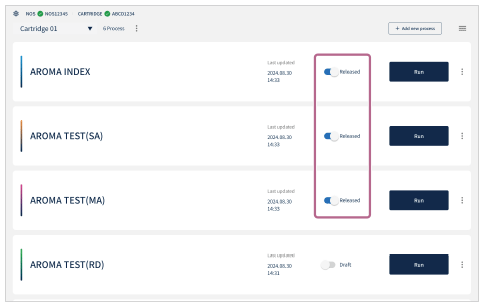
Releasing a process
To execute a process in User Mode, the process must be released by the Administrator.
In Administrator Mode, all processes with a status of [Released] and [Draft] can be executed.
- Tap
 (Settings) in the upper right part of the “Scent Canvas” app Home screen followed by the [Admin Mode]
 (On/Off) switch to turn Administrator Mode on.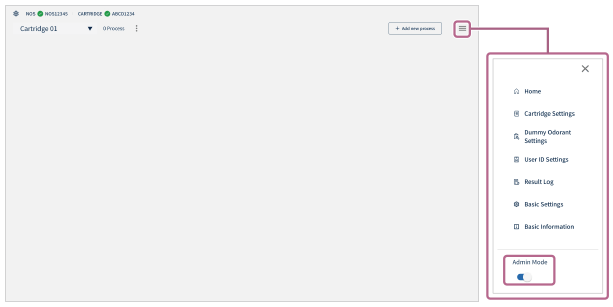
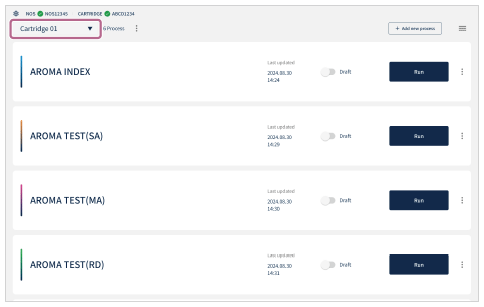
- Select a cartridge from the Cartridge Selection menu in the upper left part of the Home screen.
The processes created with the selected cartridge are displayed.
- Tap
 (Released/Draft) to set the process that you wish to release to [Released].
Processes set to [Released] are displayed in User Mode.