


Configuring Microphone Audio Input for Audio Commentary
Configuration method
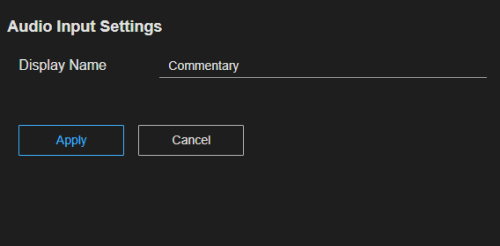
Select a row on the [Audio Input] tab of the [System Settings] screen and configure [Display Name] in the [Audio Input Settings] pane. When finished configuring items, press the [Apply] button to apply the settings.
Setup items
-
[Display Name]: Enter an arbitrary name. It will be displayed on the [Live Operation] screen.
Hint
- The name configured here is also displayed when you assign a microphone for audio commentary use. Naming each audio input is recommended so that commentary personnel know to which channel the microphone should be assigned.
