


Recalling and Executing a Scene
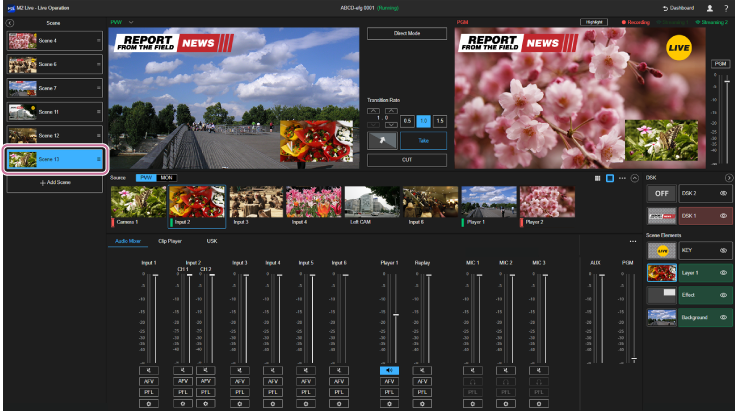
Recalling a scene
Recall a scene by selecting the scene from the list in the [Scene] pane. The recalled scene is highlighted and the content of the scene is reflected in the [PVW] pane and other places.
Hint
- When a scene is recalled, it is not reflected in the [PGM] pane, even when [Direct Mode] is enabled.
- If content contained within a scene is deleted from an event, the scene will be recalled with no content selected.
Executing a recalled scene (program output)
Check the content of the recalled scene in the [PVW] pane and perform any required tasks before switching to program output. For example, switch the show/hide state of the KEY image.
To set the recalled scene as the program output, execute a transition using the [CUT] button or [Take] button. When the transition is executed, the IN point of the video assigned to the clip player is cued up and playback starts automatically.
