


Switching the Program Output Subscreen Video Directly
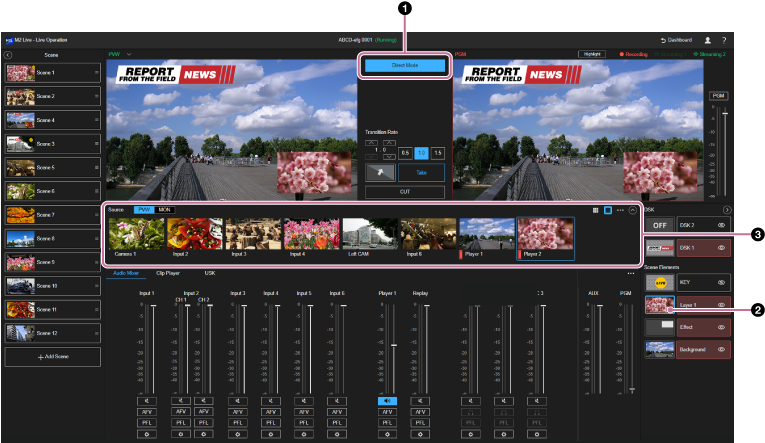
To switch only the program output subscreen video directly, [Direct Mode] must be enabled.
Press the thumbnail for the [Layer 1] layer in the [Layer] pane to select it. Select the thumbnail for the video source to display in the subscreen from the [Source] pane. The program output subscreen video switches using the cut effect.
