


Sorting Scenes
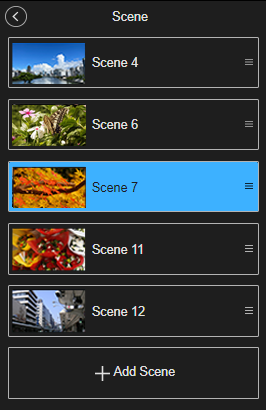
To change the display order of scenes, drag & drop the  handle on the right of each scene or press the [Ctrl] + up/down arrow keys for the scene that has keyboard focus to move the scenes.
Hint
- The scene sorting order is stored for each user. This does not affect the list of other users using the same event.
