


Collecting Logs
You can collect system logs using the [Log Collection] screen.
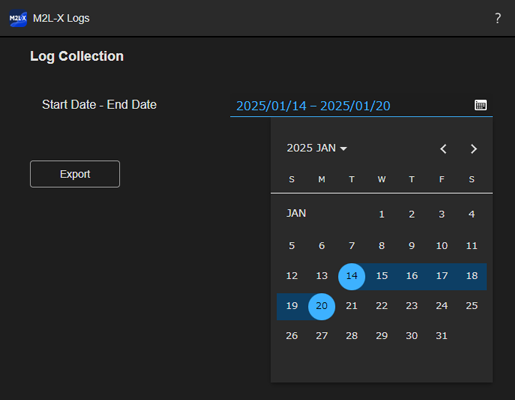
Press  (Account) > [Logs] on the [Dashboard] screen to display the [Log Collection] screen.
Specify the interval for which you want to save a log and press [Export] to save the log to a computer.
Hint
- If operating this system from Chrome, the log is saved in the following folder.
C:\Users\(login user name)\Download
TP1001871932
