


Setting the Auto Focus Area/Position
You can set the target area for auto focus using [Shooting] – [Focus] – [Focus Area] in the full menu.
[Wide]
Searches for a focus position with focus over a wide angle of the image. A frame is not displayed.

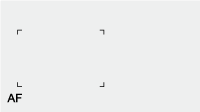
[Zone]
Automatically searches for a focus position within the specified zone.
When selected, specify the position using the multi selector.
You can return to the center position by pressing and holding the multi selector.
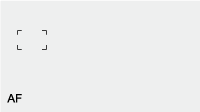
[Flexible Spot]
Focuses on a specified position in the image.
When selected, specify the position using the multi selector.
You can return to the center position by pressing and holding the multi selector.
Hint
- You can show/hide the focus area frame using [Monitoring] – [Display On/Off] – [Focus Area Indicator] in the full menu.
TP1002215287