


Attaching a Viewfinder (sold separately)
You can attach a viewfinder (sold separately).
-
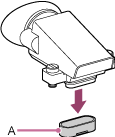
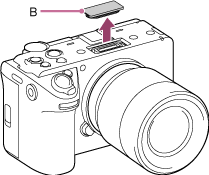
Remove the connector protective cap (A) and VF terminal protect cap (B).
-
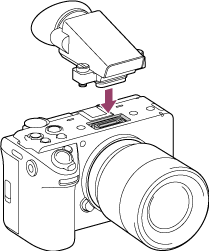
Insert the viewfinder into the VF connector.
-
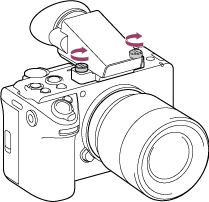
Firmly tighten the two screws using a coin or other object.
Hint
-
The VF terminal protect cap supplied with the unit can be stored in a storage slot (C) of the viewfinder.
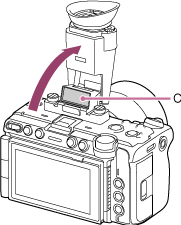
- When the viewfinder is not attached, attach the VF terminal protect cap onto the unit.
-
TP1002295526