


Focusing using Touch Operation
In manual focus mode, you can specify the position where you want to adjust the focus by touch operation.
To use spot focus, set [Shooting] – [Focus] – [Touch Function in MF] to [Spot Focus] in the full menu.
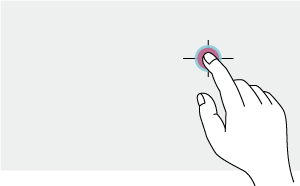
A spot focus mark is displayed when you tap the position where you want to adjust the focus.
Note
- In spot focus mode, you can press an assignable button assigned with [Push AF/Push MF] to temporarily stop spot focus and enable auto focus while the button is pressed. The focus returns to manual focus when you release the button.
- If manual focus has been set on the lens itself, the spot focus function will not function.
- The spot focus position cannot be specified during focus magnification or when [Technical] – [Touch Operation] is set to [Off] in the full menu.
TP1002215283