


When the Update Notification Icon Is Displayed on an MST Plot
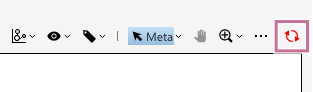
When the parent gate is changed or the unmixing settings are changed after performing advanced analysis (BL-FlowSOM/UMAP/FIt-SNE), the update notification icon ( ) is displayed at the top right of the corresponding MST plot because the target events for running advanced analysis, expression levels of the markers, and other items will have changed. In this case, perform advanced analysis again with the following procedure.
-
Click the update notification icon () displayed at the top right of the MST plot.
A message prompting you to perform advanced analysis again appears.
-
Click [OK].
A dialog for performing the corresponding advanced analysis appears.
-
Set each item, then perform advanced analysis again.
Example: When using BL-FlowSOM
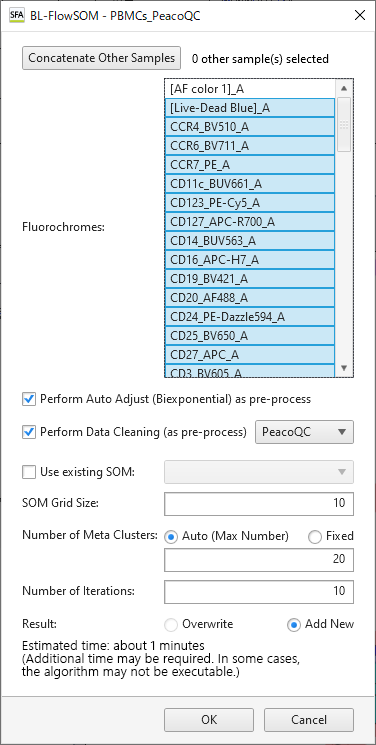
When advanced analysis is performed again, the update notification icon disappears from the MST plot.
